Your login message
Keep the server or portal URL, username and password supplied after activation together.
Installation tutorial
Choose your device, install a compatible player, then add the login details from your activation message. Most setups take only a few minutes.
Before you begin
Keep the server or portal URL, username and password supplied after activation together.
Connect the TV or streaming device to Ethernet or reliable 5 GHz Wi-Fi where possible.
YourFlix is not tied to one player. Choose any compatible app available for your device, model and region.
Quick chooser
These are two separate choices. First open the guide for your TV or streaming device, then use the login guide for whichever compatible player you install.
Step 2
Use its login guide below. If your preferred app is not in your device store, select another compatible player.
Device guides
Menu names can differ slightly by TV model and software version. Each screenshot demonstrates one player interface; it does not assign that player exclusively to the device.
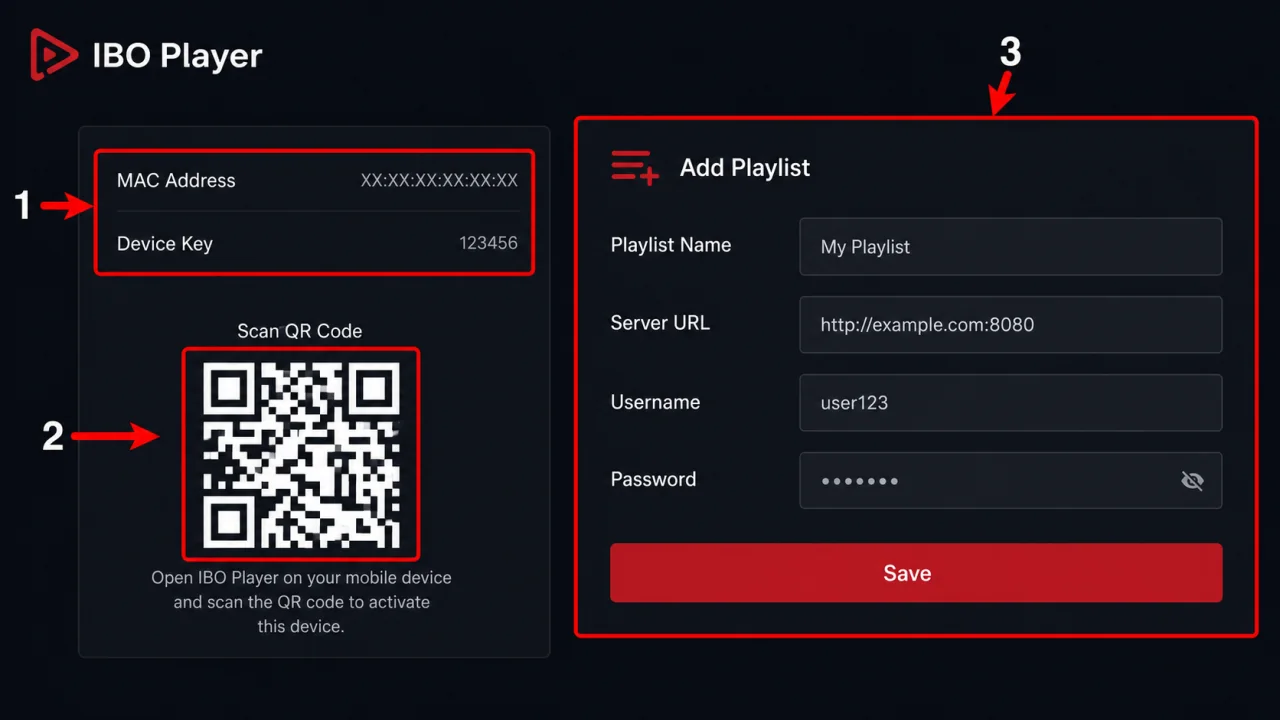
LG webOS
Install any compatible player available in the LG Content Store. The IBO Player screenshot is one login example, not a device restriction.
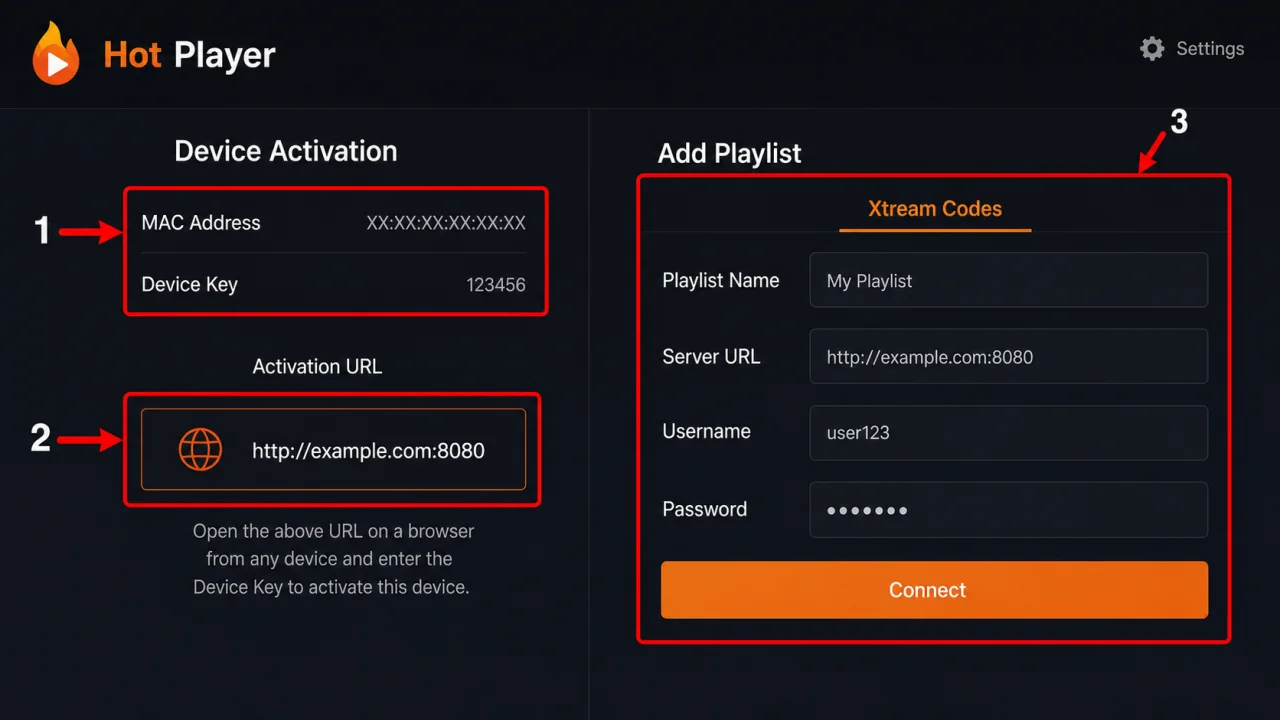
Samsung Tizen
Install any compatible player listed in Samsung Apps. The Hot Player screenshot is one login example, not a device restriction.
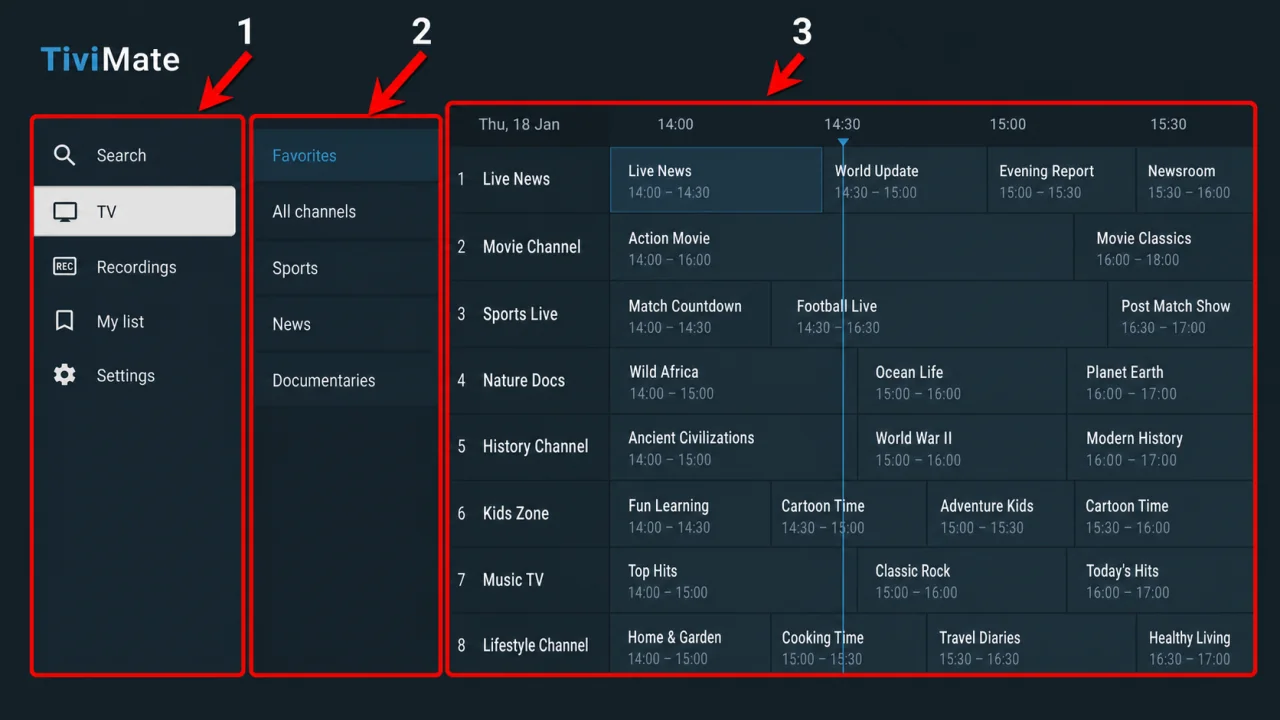
Google TV / Android TV
Install any compatible player available in Google Play. The TiviMate screenshot is one login example, not a device restriction.
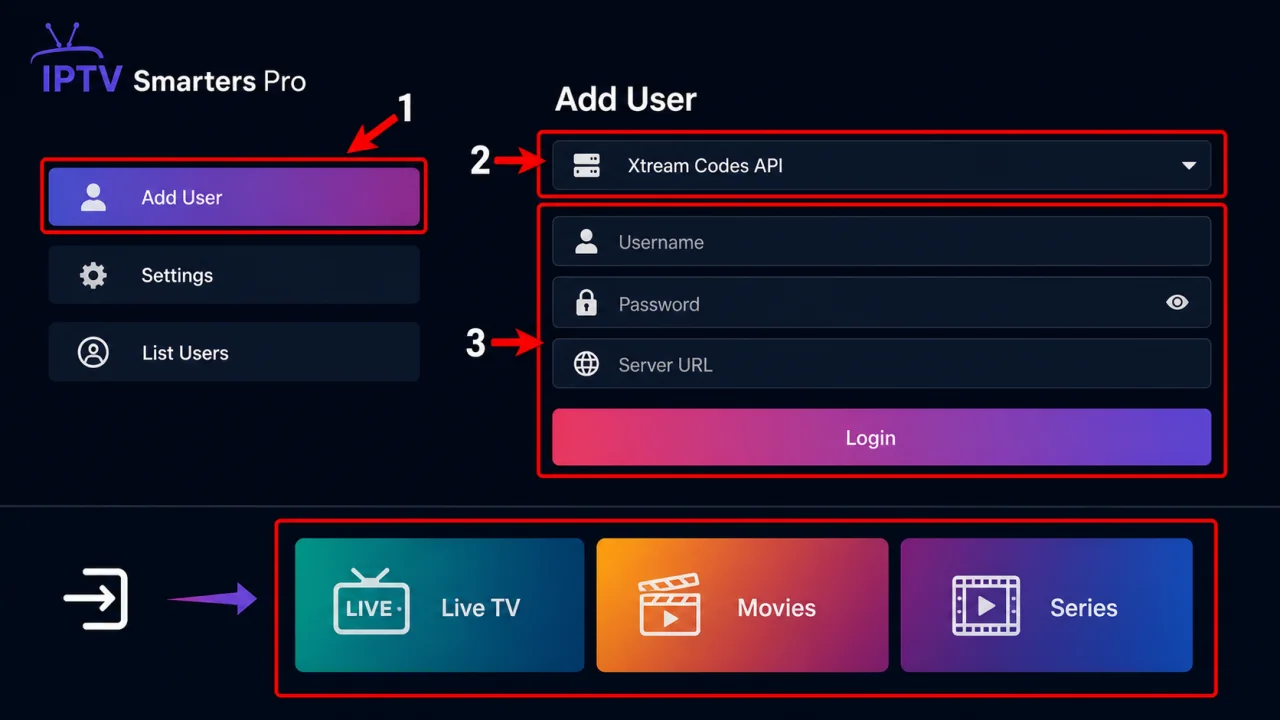
Amazon Fire TV
Install any compatible player available for Fire TV. The Smarters Pro screenshot is one login example, not a device restriction. Search the Amazon Appstore first and sideload only from an official developer source.
Player login
These player guides are independent from the device guides above. Open the one for the app you installed; labels can vary slightly between app versions.
Use the official app-store listing for your device. The player itself does not include a subscription.
Smarters Pro websiteIBO Player may require a separate player licence after its trial. That app fee is not part of a YourFlix plan.
IBO Player websiteUse the activation address displayed by the app you installed; similarly named apps can use different portals.
TiviMate is designed for TV screens and remote navigation. Premium app features are a separate optional purchase.
TiviMate on Google PlayTroubleshooting
Retype the server URL, username and password. Check capital letters, spaces and the http:// or https:// prefix.
Wait for the first sync, close the app fully and reopen it. Then refresh the playlist or EPG inside the player.
Restart the TV and router, stop large downloads and test Ethernet or 5 GHz Wi-Fi before changing app settings.
Availability depends on device model and region. Use another player listed for your platform or contact us before sideloading.
Send your device model, installed app name and a photo of the error. Hide your password before sending a screenshot.